
Top 10 Best Ways to Send Large Files Securely in 2025
Explore the top 10 secure ways to send large files in 2025. Compare services, security, compliance, and practical tips for safe file sharing.
 AnyToURL Team
In the digital era, sharing large files securely has become a daily necessity across all industries. Whether you are a legal professional managing sensitive eDiscovery documents, an accountant exchanging tax records, or a healthcare provider handling confidential patient data, the need for safe and efficient file transfer is paramount. Traditional methods like email attachments or USB drives are no longer sufficient due to size limitations, security risks, and compliance concerns.
Table of Contents
- Why Secure Large File Sharing Matters
- Common Methods for Sending Large Files (and Their Risks)
- Top 10 Best Ways to Send Large Files in 2025
- Key Takeaways for Secure File Transfers
- FAQ
- Conclusion
Why Secure Large File Sharing Matters
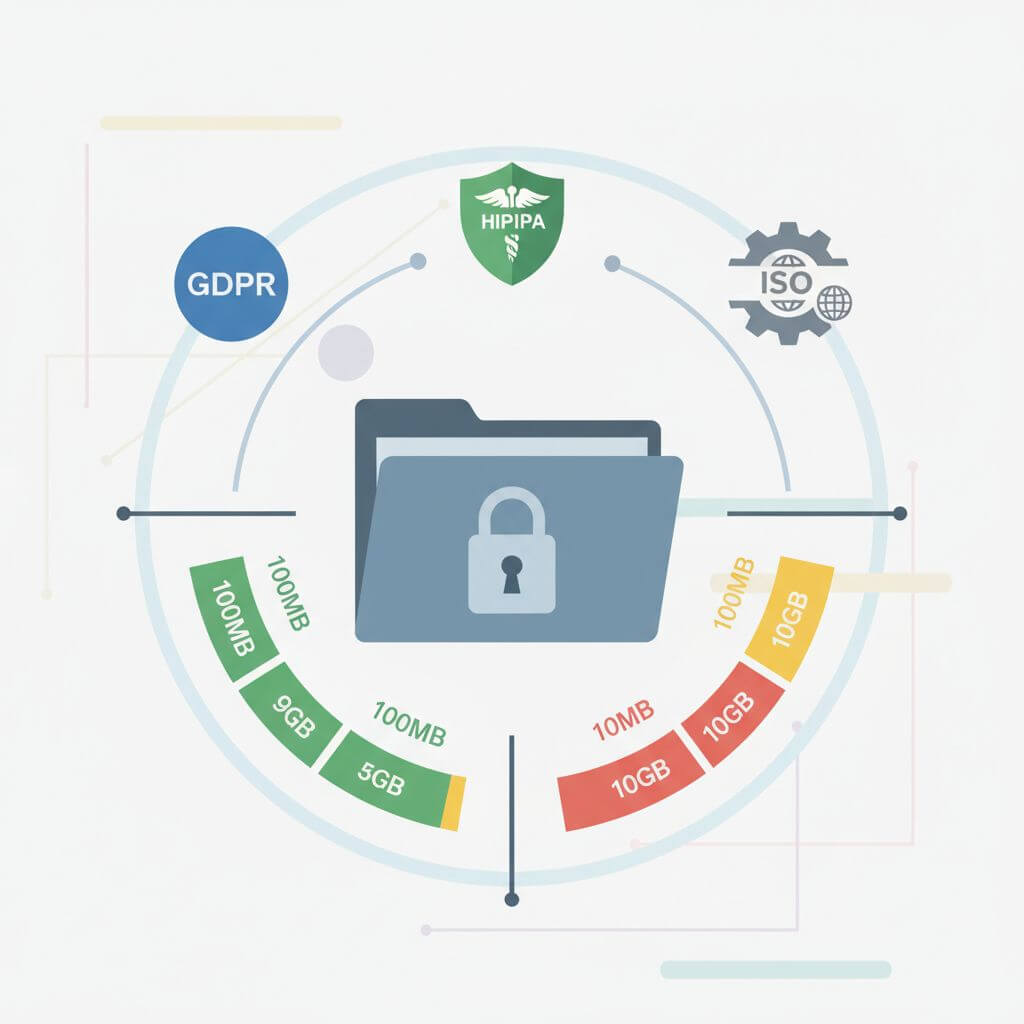
Convenience is just one piece of the puzzle when sending large files; security and regulatory compliance are equally critical. Email services like Gmail and Outlook limit attachments to 25MB, making them unsuitable for large or sensitive data. Moreover, even popular cloud storage solutions like Google Drive, Dropbox, and OneDrive may not always satisfy enterprise-grade compliance standards such as HIPAA, GDPR, or ISO27001.
Ensuring that your file sharing methods are both secure and compliant protects your business from data breaches, legal liabilities, and reputational damage.
Common Methods for Sending Large Files (and Their Risks)
Email Attachments & Zip Folders
Emailing files is simple, but attachment limits (typically 25MB) and lack of encryption present security risks. Zipping files can bypass size limits, but without encryption, your files remain exposed.
USB Drives & External Hard Drives
Physical media can transfer vast amounts of data, but they are easily lost or stolen. They also lack convenience for remote or distributed teams.
FTP (File Transfer Protocol)
FTP allows for large file transfers but usually requires technical setup and does not offer encryption by default, making it vulnerable to interception.
Cloud Storage Services
Services like Google Drive and Dropbox make sharing easy but may not provide robust encryption or compliance out-of-the-box, especially with free accounts.
Top 10 Best Ways to Send Large Files in 2025
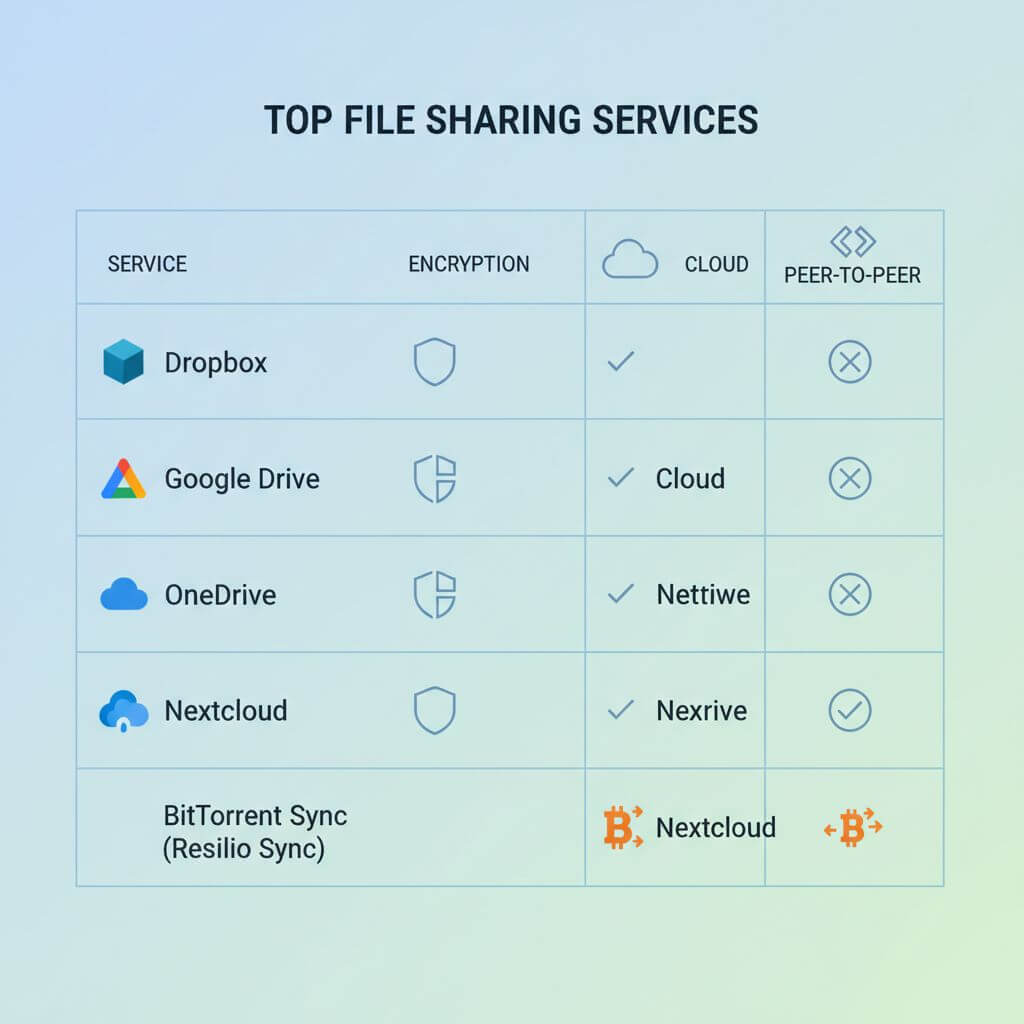
Here are the leading solutions for secure, large file sharing in 2025:
- TitanFile: Trusted by over 500,000 professionals, offering 256-bit encryption and ISO 27001 certification for top-tier security.
- Google Drive: 15GB free storage, seamless integration with Google services, but ensure settings align with compliance needs.
- Dropbox: Business plans offer a minimum of 3TB, with advanced collaboration tools and sharing controls.
- WeTransfer: Free transfers up to 2GB, popular among creatives for its simplicity, but limited security features on the free plan.
- pCloud: Up to 5GB free with zero-knowledge encryption, meaning only you can access your files.
- OneDrive: Deep integration with Microsoft 365, making it ideal for organizations using Microsoft tools.
- Send Anywhere: Enables cross-platform transfers via a 6-digit key, with no account required for basic use.
- Filemail: Compliant with GDPR, HIPAA, and ISO27001, supporting very large files and secure transfers.
- Tresorit: End-to-end encryption and Swiss privacy laws for maximum data protection.
- Resilio Sync: Peer-to-peer transfers eliminate cloud intermediaries, enhancing speed and privacy.
Key Takeaways for Secure File Transfers
- Always use encrypted channels when sharing sensitive files.
- Check for compliance with relevant regulations (HIPAA, GDPR, PIPEDA, etc.).
- Balance ease of use with security requirements—some free tools are suitable for personal use, but may lack enterprise features.
- Consider your team's workflow and choose solutions that integrate well with existing tools.
FAQ
Q: What's the safest way to send large files? A: Use services that offer end-to-end encryption and comply with industry standards like ISO27001, HIPAA, or GDPR. Avoid sending sensitive data over unencrypted email or unsecured cloud platforms.
Q: Are free file sharing tools secure? A: Free tools can be secure for non-sensitive files, but enterprise or regulated environments should opt for paid, compliant services.
Q: How can I generate a shareable link for a file quickly? A: Some platforms allow you to upload a file and instantly generate a shareable URL, making distribution simple and fast.
Conclusion
Securely sending large files is a fundamental requirement for modern professionals. By understanding the risks of traditional methods and adopting one of the top 10 solutions above, you can protect your data, meet compliance standards, and streamline collaboration. If you need to quickly share files or generate short links, you can try AnyToURL.