
ChatGPT Sites vs. File-to-URL Tools: Which Should You Use to Share Files?
ChatGPT Sites builds and hosts interactive web apps — but sharing a file as a link is a different job. A same-criteria comparison with a scenario verdict for both.

ChatGPT has a website builder now. ChatGPT Sites — available on eligible ChatGPT workspaces, Plus, and Pro plans, and surfaced through the Work mode — takes a prompt, generates an interactive web app, hosts it, and hands you a live URL. Which raises an obvious question for anyone who shares files for a living: do you still need a dedicated file-to-URL tool?
Disclosure up front: we operate AnyToURL, one of those dedicated tools, so weigh that as you read. The comparison below holds both options to the same six criteria, and the short answer is that they solve different jobs. ChatGPT Sites builds interfaces; a file-to-URL tool turns a file you already have into a link. You choose based on what the link is for — not on which tool sounds more capable.
What ChatGPT Sites actually is
Sites is a generative website builder with hosting attached. You describe what you want in ChatGPT Work, optionally tag @Sites, review a private preview, and publish to a production URL. OpenAI's documentation lists dashboards, project trackers, launch calendars, prototypes, internal portals, and reports as typical targets. Sites can carry persistent data, file storage, sign-in via ChatGPT, analytics, and — where available — a custom domain you already own.
It is also a public beta with real gates, and these matter for the comparison:
- Plan and region availability. Sites is available on ChatGPT workspaces, Plus, and Pro accounts. It is not available on Free or Go plans, and at launch it is not available in the EEA, Switzerland, or the UK.
- Admin control. A new Site is visible only to its owner and workspace admins until access changes. Public publishing must be enabled, and in Enterprise workspaces it is off by default.
- Plan-specific limits. Beta usage limits apply across all Sites on an account; reach one and you may be unable to create new Sites or add storage until usage drops.
- Undocumented storage ceiling. OpenAI does not publish a storage limit for Sites, and there is no data or inference residency at launch. In one public walkthrough, a Site held a database of more than 2,000 newsletter records comfortably — but sensitive data like health or payment-card information is prohibited regardless.
So Sites is genuinely powerful — but everything above it in this article sits behind a subscription, a region check, and in organizations, an admin's blessing.
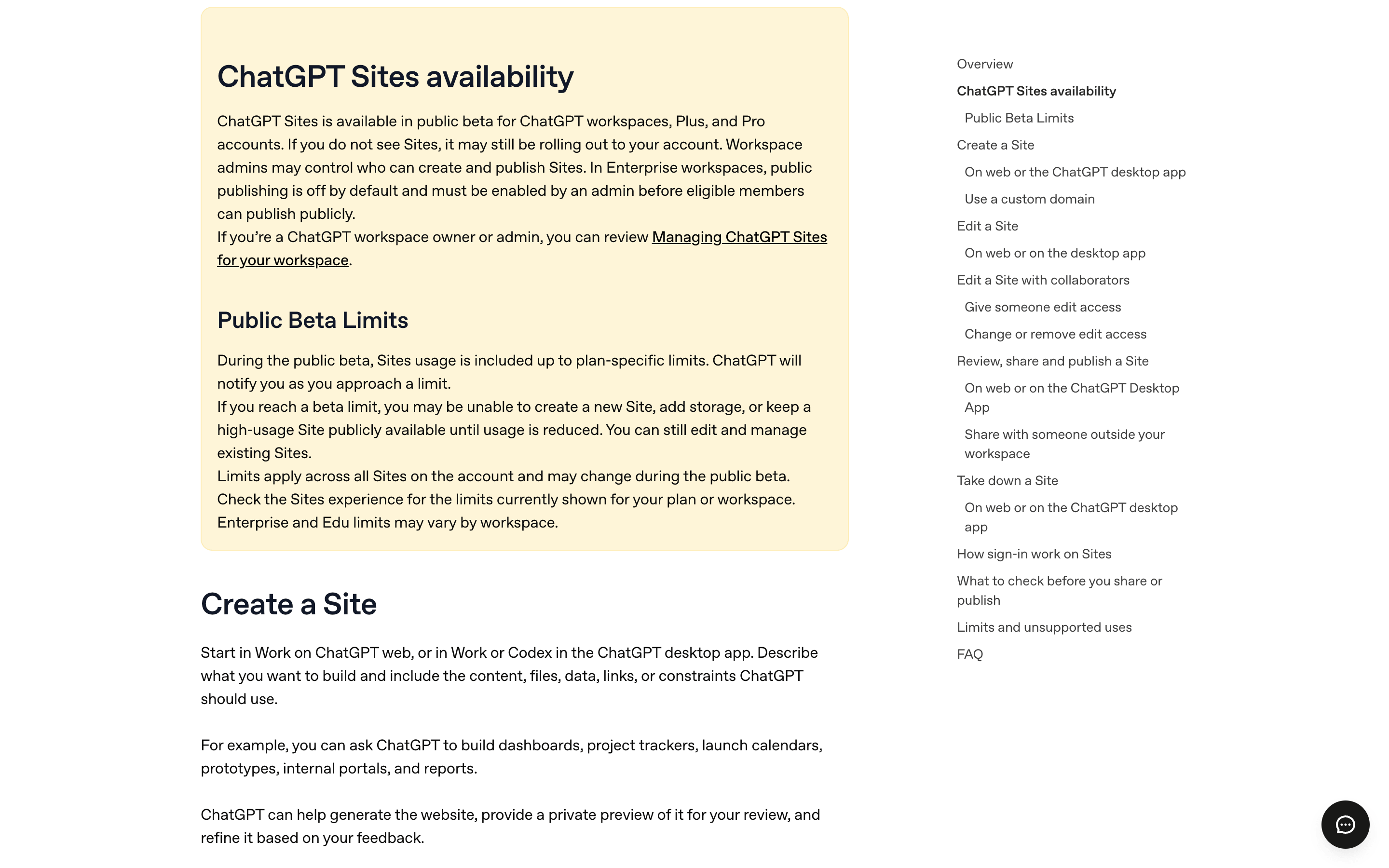
Source: OpenAI Help Center, 'Creating and managing ChatGPT Sites' (accessed September 7, 2026).
What a dedicated file-to-URL tool does
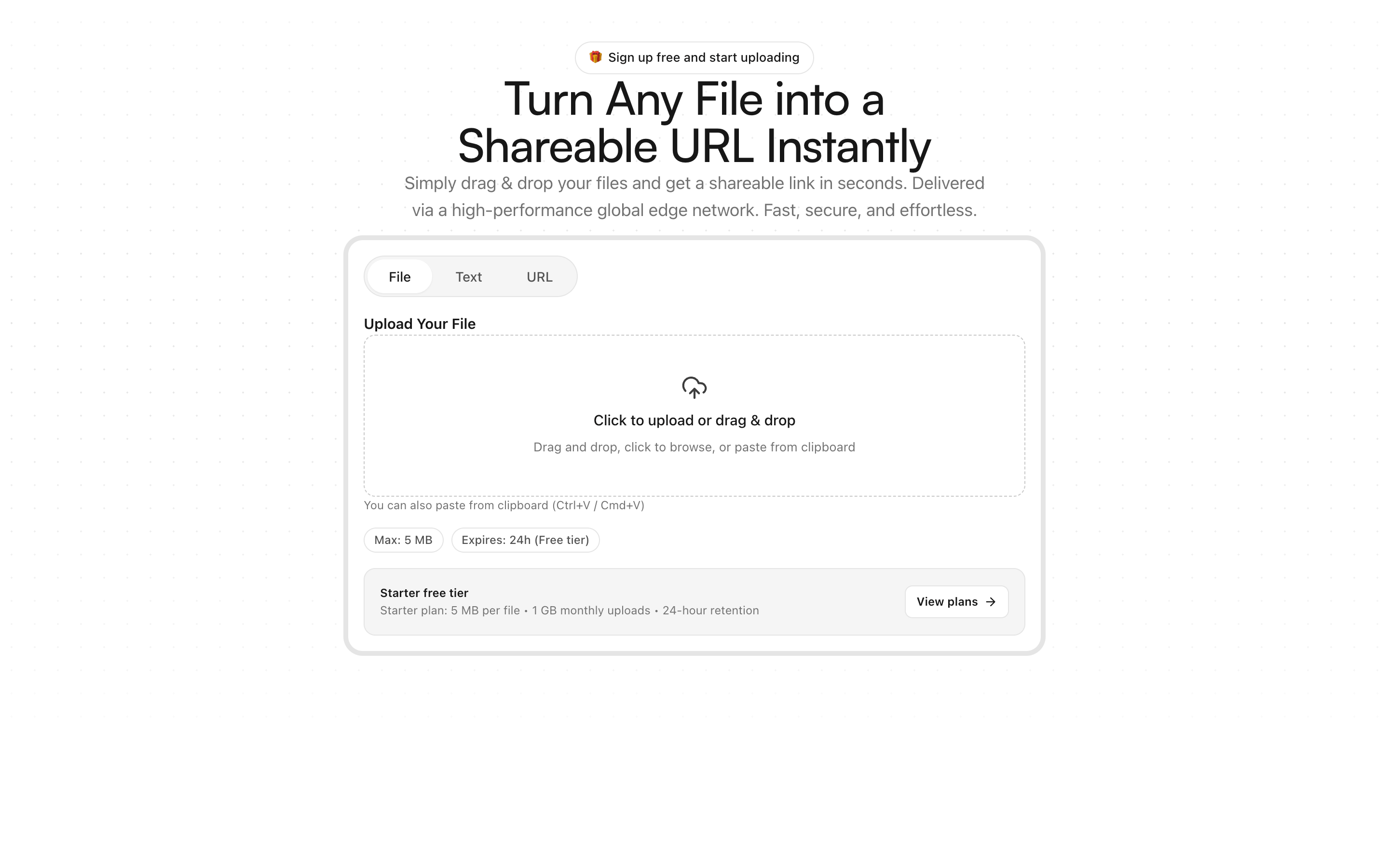
A file-to-URL tool answers a narrower question: you have a file, and you need a URL for it. On AnyToURL, that is drag-and-drop to upload, and a shareable link like anytourl.com/f/x7kP2mQ9 appears in seconds — no subscription required to start. The free Starter tier takes files up to 5 MB with 24-hour retention; paid tiers raise the ceiling to 1 GB (Pro, $9.9/month) or 10 GB (Ultra, $29.9/month) with storage up to 1 TB per month and permanent retention. Files are delivered over Cloudflare's edge network, images and PDFs preview inline in the recipient's browser, and every public link is checked for file state and expiry before it serves anything.
The job is deterministic: the same file, the same three-step flow, a link you can paste anywhere. There is nothing to generate, nothing to review, and nothing that changes unless you replace the file. Paid tiers add API and CLI upload support plus short-link generation, so the flow can run from scripts and automation rather than a browser tab.
Head-to-head on the same six criteria
| Criterion | ChatGPT Sites | Dedicated file-to-URL tool (AnyToURL) |
|---|---|---|
| What the URL opens | A generated, hosted web app | The file itself — preview or download |
| Time to a working link | A prompt → generate → review → deploy loop; one third-party walkthrough measured minutes for a simple site | Seconds: upload and copy |
| Access gates | Paid plan, region, workspace admin for public publishing | None for basic uploads |
| Size and retention | Storage limit unpublished; beta limits are plan-specific | 5 MB–10 GB by tier; 24 hours to permanent, documented |
| Sharing model | Audience settings: owner, workspace, named viewers, sign-in, public | A public link anyone with the URL can open |
| Automation | Conversational — you ask, ChatGPT rebuilds and deploys | API and CLI on paid tiers — scripts, cron jobs, CI |
Neither column wins all six rows. They diverge because one URL is an application and the other is a file.
When ChatGPT Sites is the better choice
Sites earns its keep when the deliverable is an interface, not a file:
- Your research or project context would be more useful as an interactive decision tool — filters, inputs, live recommendations — than as a static report.
- You want a living page that accumulates data across sessions, like a searchable database that a scheduled task keeps updated.
- A team needs a small internal portal with sign-in, and building it through conversation is faster than provisioning a stack.
In those jobs, "hosting" is incidental — the point is that ChatGPT assembles the app, keeps its data, and hands you a URL. A file link cannot do any of that.
When a dedicated file-to-URL tool is the better choice
Reach for a file-to-URL tool when the link is the whole deliverable:
- Someone is waiting for a file right now — a mockup, a PDF, a rendered video — and seconds matter more than presentation.
- The file is large. Documented tiers up to 10 GB and 1 TB of monthly storage beat a storage ceiling OpenAI has not published.
- The share must work from a script. API and CLI uploads fit CI pipelines and cron jobs; Sites rebuilds through conversation.
- You are not on an eligible workspace, Plus, or Pro plan, you are in a region where Sites has not launched, or your workspace admin has public publishing locked down.
- You want the link to be predictable: it opens the same file until it expires or you delete it. Expiry and permanent retention are plan settings, not side effects of a regeneration.
That last scenario block is AnyToURL's whole job, and you can try it with a free upload — no signup wall in front of your first link.
Try AnyToURL free →
The overlap case
Some shares sit between the two. Say you finished a market report: as a PDF, it belongs on a file link — recipients expect a document, and they get one instantly. As an interactive summary with filters and a data browser, it belongs on Sites — the interface is the value. The mistake is using either tool for both jobs: sending a Sites link when someone just needs the file adds a load time and a sign-in prompt they didn't ask for, while a bare PDF undersells work that would shine as a tool.
The verdict
One question settles it: is the link the deliverable, or the thing the link opens?
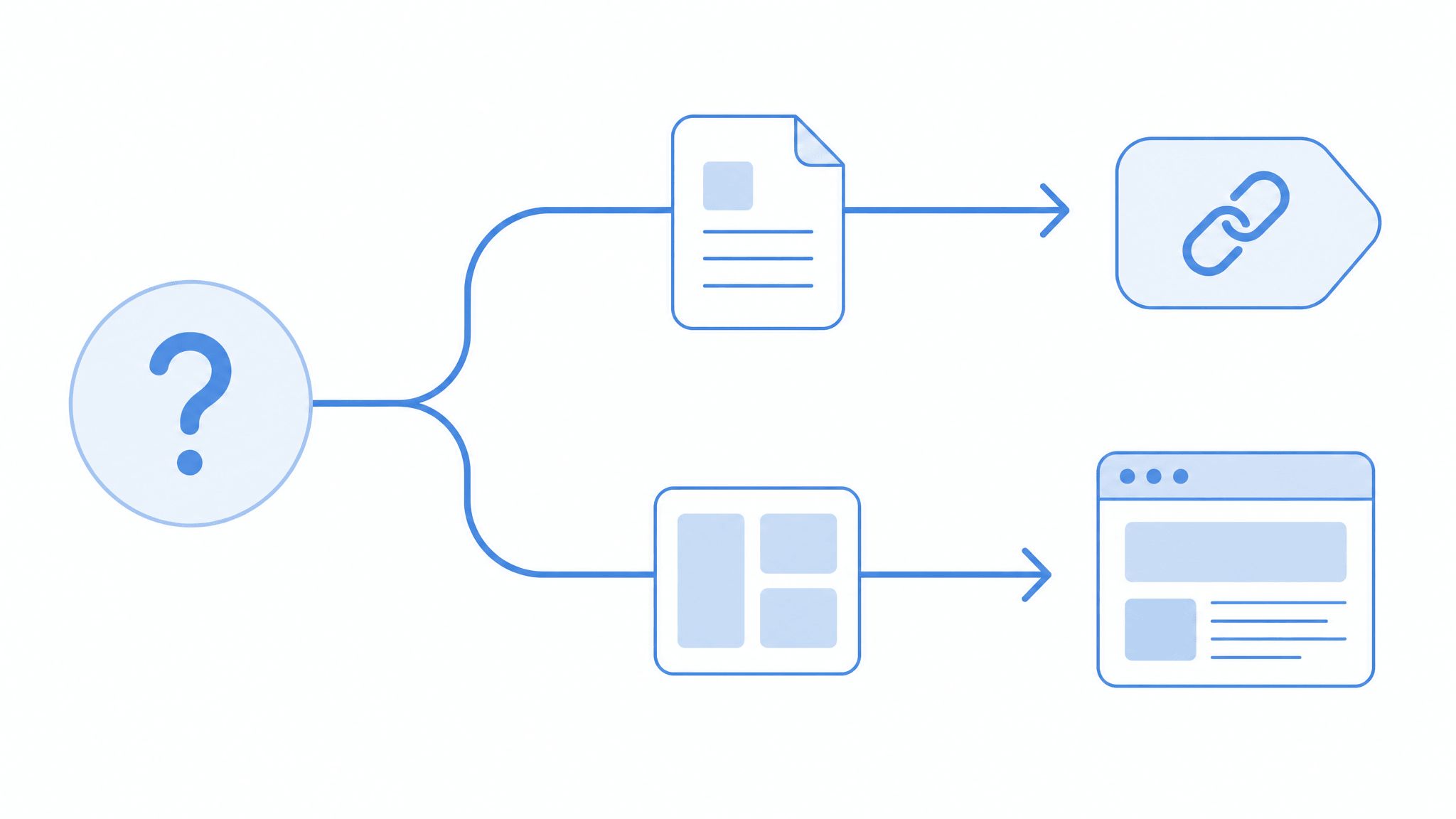
If you are sending a file — a design, a video, a dataset, a document — the link is the deliverable, and a dedicated file-to-URL tool does that job faster, cheaper, and without gates. If you are shipping an interface around your content, ChatGPT Sites is the more capable instrument, provided you clear its plan, region, and admin requirements. Most people who share files daily need the first tool far more often than the second, and keep the second for the occasional build.
Try AnyToURL free — drag a file, get a link →