
LocalSend Web Alternative: Share Files Without Installing
Compare LocalSend vs Snapdrop vs AnyToURL. When to install a LAN tool vs use a no-install web alternative for cross-network file sharing.
 AnyToURL Team
732 points. 229 comments. That was LocalSend climbing to #19 on the Hacker News front page on April 29, 2026, with developers piling into the same thread to argue one question: is there an AirDrop that actually works across every device I own?
LocalSend is one good answer — open source, cross-platform, peer-to-peer over LAN. But it's not the only one. For a lot of everyday sharing, installing a desktop and mobile app on every device is overkill, and the LAN-only design rules out anything beyond your own WiFi. This guide compares LocalSend, Snapdrop, and a web-based alternative (AnyToURL), and shows when each one is the right tool.
Last updated: April 29, 2026.
Table of Contents
- Why People Are Searching for a LocalSend Web Alternative
- LocalSend, Snapdrop, AnyToURL — Three Approaches
- Feature Comparison Table
- How to Choose: A Decision Tree
- Three Scenarios Where a Web Alternative Wins
- FAQ
Why People Are Searching for a LocalSend Web Alternative
A web-based LocalSend alternative is a browser tool that does what LocalSend does — move files between devices without email, USB sticks, or cloud accounts — without requiring an install on either side. The trade-off is usually network scope: LocalSend is LAN-only and peer-to-peer, while web tools either match that constraint (Snapdrop) or move the data through a hosted link (AnyToURL).
The HN thread that pushed LocalSend onto the front page surfaced three recurring frustrations:
- AirDrop only works inside the Apple walled garden. Sending a file from an iPhone to a Windows laptop still feels harder than it should in 2026.
- Installing apps on every device is friction. A guest's laptop, a borrowed iPad, a colleague's Linux box — none of them have your sharing app, and they probably won't install one for a 30-second transfer.
- Cloud uploads to Google Drive or Dropbox feel heavy. They want a signup, an account, a folder structure. For a one-shot file, that's overkill.
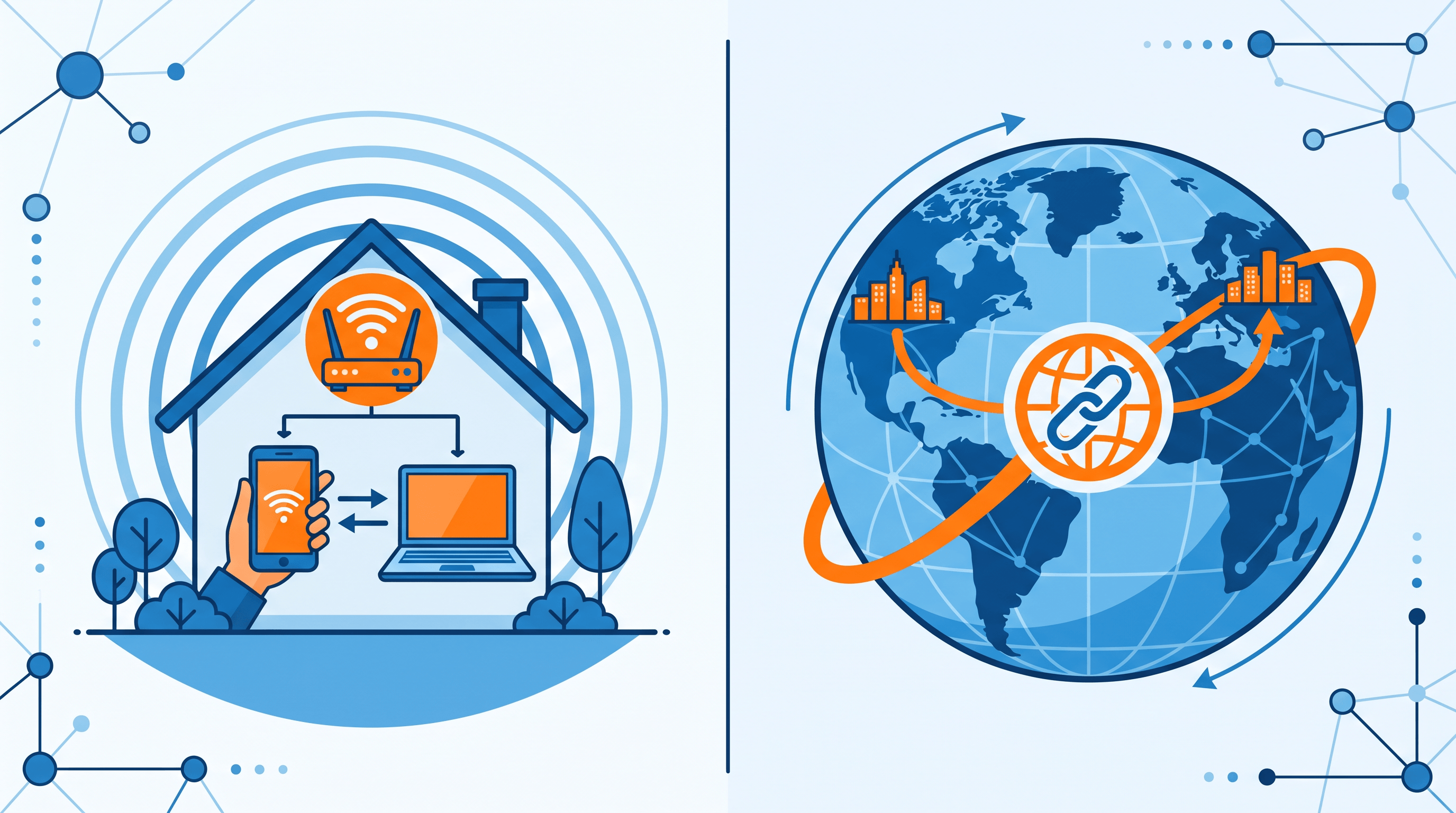
Those three frictions split into two distinct jobs: peer-to-peer on the same network (LocalSend, Snapdrop) and cross-network async sharing via a link (AnyToURL, WeTransfer-class tools). Picking the right tool starts with picking the right job.
LocalSend, Snapdrop, AnyToURL — Three Approaches
LocalSend — Install Once, Share Inside Your Network
LocalSend is an open-source desktop and mobile app that sends files and text between devices on the same local network. It uses HTTPS with self-signed certificates so transfers stay encrypted even when there's no internet. Once installed on each device, devices discover each other automatically and you tap to send.
- Best for: multi-device households, offline transfers, privacy-sensitive files that should never leave your network, large files where LAN speed beats any cloud upload.
- Not ideal for: sending to someone on a different network, sharing with people who won't install another app, generating a link you can paste into Slack later.
- Limit: every endpoint needs the LocalSend app installed and running. No app, no transfer.
Snapdrop — Browser-to-Browser on the Same WiFi
Snapdrop is a long-running open-source web app that uses WebRTC to send files between two browsers on the same network. No install, no signup — open the page on both devices and they show up to each other as cute animal names. Files travel peer-to-peer between the browsers; the Snapdrop server only handles the initial signaling.
- Best for: quick ad-hoc transfers between a phone and a laptop on the same WiFi, when neither device has a sharing app installed.
- Not ideal for: cross-network sharing, async sending (both browsers must be open at the same time), persistent links you can revisit later.
- Limit: if the two devices aren't on the same network, Snapdrop usually won't pair them.
AnyToURL — Upload Once, Share a Link Anywhere
AnyToURL takes the opposite approach: instead of pairing two devices, it converts your file (or pasted text, or a long URL) into a persistent shareable link in seconds. No install on either side, no account, no shared network. The receiver opens the link from anywhere with internet.
- Best for: cross-network sharing, async handoffs (receiver opens it later), pasting links into Slack/Discord/email, sharing text snippets or shortening long URLs.
- Not ideal for: strictly offline transfers, situations where you don't want the file touching a hosted server, very large files (size caps apply).
- Limit: the file is uploaded to a hosted bucket; this is the right trade-off for cross-network async, but not for air-gapped or strictly peer-to-peer use cases.
Feature Comparison Table
In our testing, the three tools split cleanly along network scope and delivery model. Here's the side-by-side:
| Dimension | LocalSend | Snapdrop | AnyToURL |
|---|---|---|---|
| Install required | Yes (desktop + mobile app) | No (browser) | No (browser) |
| Same network required | Yes (LAN/WiFi) | Yes (WebRTC peer) | No — any internet |
| Cross-network sharing | No | No | Yes |
| File types | Any | Any | Any (size caps apply) |
| Text / clipboard sharing | Yes | Yes | Yes (paste-to-link) |
| URL shortening | No | No | Yes |
| Persistent shareable link | No | No | Yes |
| Signup / account | None | None | None |
| Encryption | TLS (self-signed) | WebRTC DTLS | HTTPS in transit |
| Async (receiver offline) | No | No | Yes |
| Open source | Yes | Yes | No |
| Best for | Same-WiFi multi-device | Quick browser pairing | Cross-network async |
A few rows are worth pulling out:
- Cross-network sharing is the single biggest split. LocalSend and Snapdrop are both LAN-bound by design; AnyToURL is link-based and works anywhere with internet.
- Async delivery matters more than people expect. If you upload a file at 9 PM and your colleague picks it up at 8 AM their time, peer-to-peer tools don't help — both endpoints have to be live at the same moment.
- Persistent links unlock workflows the other two can't do: pasting into a doc, embedding in an email signature, sharing in a chat that someone scrolls back to next week.
How to Choose: A Decision Tree
Use this decision tree to pick a tool in under ten seconds:
-
Are both devices on the same WiFi right now, and will they stay on it for the whole transfer?
- Yes → continue.
- No → skip to step 4.
-
Do both devices already have, or are willing to install, a sharing app?
- Yes → LocalSend. You get the fastest LAN speeds, end-to-end encryption, and clean multi-device discovery.
- No → continue.
-
Just need a one-off browser-to-browser transfer?
- Yes → Snapdrop. Zero install, both devices open the page and pair via WebRTC.
-
Cross-network, or you want a link you can paste somewhere?
- Yes → AnyToURL. Upload (or paste text, or shorten a URL) and copy the link. Receiver opens it from anywhere.
-
Sharing more than a few GB to someone on the same WiFi?
- Default to LocalSend — it'll usually beat any cloud upload because the bytes never leave your router.
The short version: same-WiFi peer-to-peer is LocalSend's home turf, ad-hoc browser pairing is Snapdrop's, and anything that has to cross networks or live as a copyable link belongs to a web tool like AnyToURL.
Three Scenarios Where a Web Alternative Wins
Here are three concrete jobs LocalSend can't do, with step-by-step walkthroughs using AnyToURL.
Scenario 1: Send a File to Someone in a Different City
Your designer is in Berlin. You're in Singapore. LocalSend won't help — different networks. Snapdrop won't pair — different WebRTC peers. You don't want to spin up Google Drive for a one-off PDF.
Walkthrough:
- Open AnyToURL in any browser — no signup needed.
- Drag the PDF into the upload area. The page returns a short link in a couple of seconds.
- Copy the link, paste it into Slack/email/iMessage.
- The designer in Berlin opens the link and downloads the file. Both ends, no install.
This is the gap LocalSend leaves. A no-install AnyToURL link travels through any chat tool and survives the receiver being offline when you upload.
Scenario 2: Paste a Long Text Snippet as a Hosted Link
You want to send a 400-line log file or a config blob. You don't want to dump it into the chat (formatting nightmare), and you don't want to email an attachment (overkill). What you want is a URL that opens to the text.
Walkthrough:
- Open AnyToURL and switch to the Paste Text mode.
- Paste your snippet. Click Generate Link.
- Share the resulting URL.
- The receiver opens it in any browser — text is rendered server-side, no formatting drift.
LocalSend handles plain text between devices on the same network, but it can't produce a URL that lives outside that network. Hosted-text links are the right shape for code reviews, log handoffs, and quick "read this paragraph later" sends.
Scenario 3: Shorten a Long URL Before Posting
You're sharing a link with 200+ characters of UTM parameters in a Discord message that has a 2000-char limit and a long thread already. A short link looks cleaner and saves space.
Walkthrough:
- Paste the long URL into the AnyToURL shortener.
- Hit shorten. You get a clean short link.
- Drop it into Discord/Slack/Twitter.
Neither LocalSend nor Snapdrop touch this job — they're file-transfer tools, not link tools. If your day involves posting links into chat tools and docs, a web shortener saves room and looks more trustworthy than a wall of query strings.

FAQ
Is there a web version of LocalSend?
Not officially. LocalSend is a native desktop and mobile app by design, because it relies on direct LAN discovery and HTTPS transfers between installed clients. If you want a no-install browser experience, the closest peers are Snapdrop (same-network browser pairing) and AnyToURL (cross-network link sharing). They solve overlapping but different problems.
Can LocalSend send files across the internet?
No. LocalSend is intentionally LAN-only — devices have to be on the same local network for discovery and transfer to work. This is what makes it private and fast, but it also means you can't use it to send a file to someone in another city. For cross-network sharing, a hosted link tool like AnyToURL is the right fit.
What's the difference between LocalSend and Snapdrop?
Both move files between devices on the same network. LocalSend is a native app you install on each device; Snapdrop is a web page you open in two browsers. LocalSend handles richer flows (multi-device, persistent device names, mobile share-sheets); Snapdrop is faster to spin up for a one-off transfer because there's nothing to install. Neither one works across networks.
Do I need to sign up to share files via URL?
No. AnyToURL doesn't require an account for basic file uploads, text pasting, or URL shortening. You drag a file in or paste text, copy the link, and share it. Some advanced features (custom slugs, longer retention) may require an account, but the core flow stays signup-free.
Are web-based file-sharing tools secure?
It depends on the tool. Look for HTTPS in transit, clear retention policies, and a privacy statement that explains what's logged. For sensitive material (legal docs, medical records, secrets), a same-network tool like LocalSend that never touches the public internet is a stronger default. For everyday files — drafts, screenshots, PDFs, code snippets — a reputable web tool over HTTPS is fine.
Why is LocalSend trending on Hacker News?
The April 29, 2026 thread (#19, 732 points, 229 comments) lined up with broader developer-community concern about platform lock-in and centralized infrastructure, and LocalSend reads as the opposite of both — open source, local-first, no servers, no accounts. The discussion mostly compared it to AirDrop, KDE Connect, and Snapdrop, with people arguing about which one wins on which axis.
Bottom Line
LocalSend, Snapdrop, and AnyToURL aren't really competing — they're three answers to three different questions. If you live in a multi-device household and want fast LAN transfers with privacy, install LocalSend. If you need a one-off browser-to-browser send on the same WiFi, Snapdrop is hard to beat. If your files have to cross networks, land asynchronously, or live as a link you can paste anywhere, a no-install web tool wins.
Ready to share files without installing anything? Try AnyToURL free → — drop a file, paste text, or shorten a URL and get a clean shareable link in seconds. No signup, no app, no same-network requirement.