
Online File Converters vs. Self-Hosted File Converters: How to Choose
Online file converters vs. self-hosted Docker converters like ConvertX: privacy, format coverage, setup, and cost compared — plus when to skip converting and share the original as a link instead.

If you only convert a file once a month, an online converter is still the right call: no setup, works on any device, and reputable services document exactly how long they keep your files. If you convert weekly, handle sensitive documents, or need formats mainstream sites don't list, a self-hosted converter like ConvertX gives you the same browser workflow with files that never leave your machine. And before either one: check whether the file needs converting at all, because a lot of "conversion" jobs are really sharing jobs.
One disclosure up front: this post is published by AnyToURL, a file-sharing tool, not a converter. AnyToURL appears exactly once in this article, in the section about skipping conversion. Everything else here compares two genuine conversion approaches on the same criteria.
Key takeaways
- Online converters win on zero setup and device independence; their trade-off is that your file leaves your device and lands on someone else's server.
- Self-hosted converters (ConvertX is the current open-source favorite, with about 18.7k GitHub stars) keep files on your own hardware and bundle around twenty engines covering 1,000+ formats.
- The privacy gap between reputable online services and a self-hosted setup is real but narrower than most "I ditched online converters" posts suggest: the bigger risk is picking an unvetted site, not using a documented one.
- The cheapest conversion is the one you skip. If the recipient can already open the file, sharing the original as a link beats converting it.
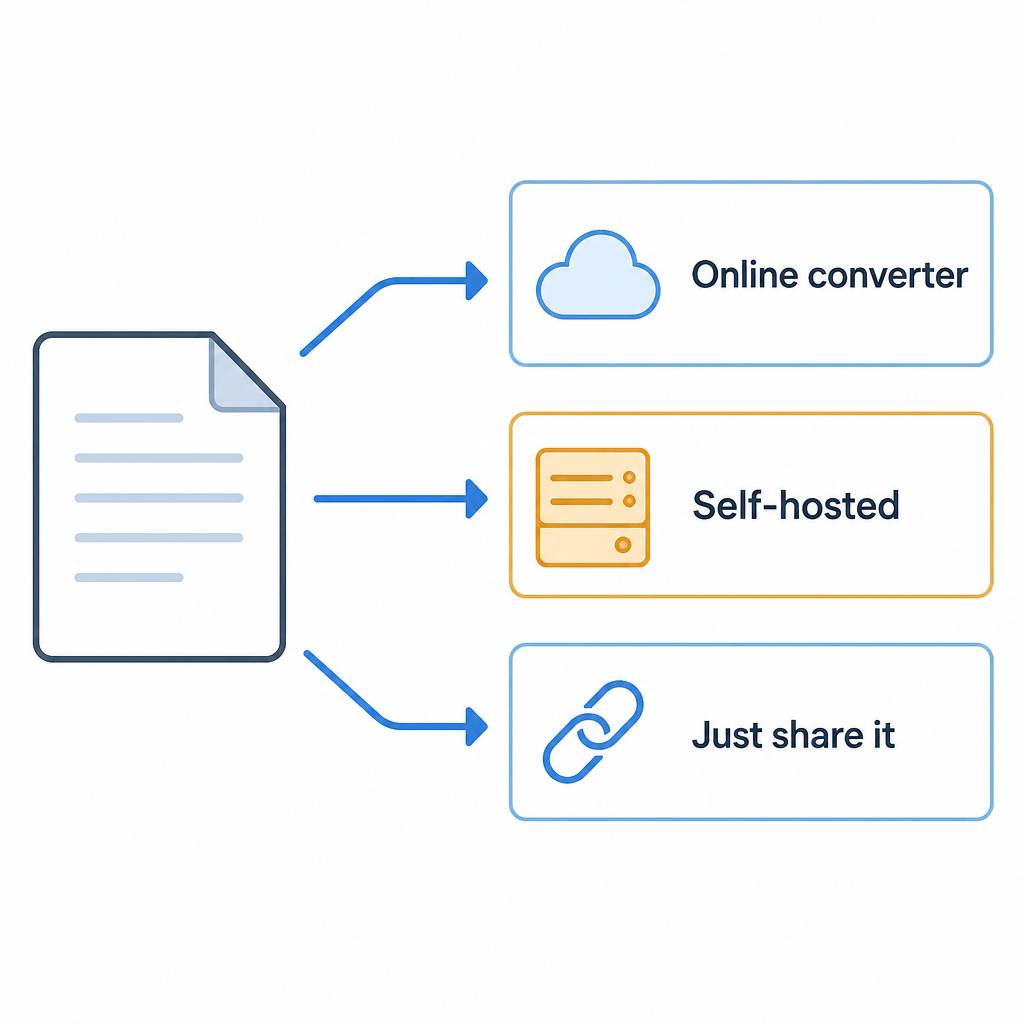
Two ways to convert a file
The online model is the one everyone knows: you upload a file to a website, a server on the other end runs the conversion, and you download the result. Services like iLovePDF, CloudConvert, or FreeConvert cover the common jobs — PDF to Word, HEIC to JPG, MOV to MP4 — with a drag-and-drop page that works from any browser, including a phone.
The self-hosted model moves that server onto your own hardware. ConvertX is the clearest example: an open-source (AGPL-3.0) web app that runs as a single Docker container and combines about twenty conversion engines — FFmpeg for video, ImageMagick and GraphicsMagick for images, LibreOffice for office documents, Pandoc for markup, Calibre for ebooks — behind one web interface. Its README claims support for over a thousand formats, and this is where the number comes from: no single engine covers everything, but the combination gets close. FFmpeg alone lists roughly 472 input and 199 output formats; ImageMagick adds 245 input formats of its own.
Setup is one command (docker run -p 3000:3000 -v ./data:/app/data ghcr.io/c4illin/convertx) after which you open localhost:3000, create an account, and get the same open-a-tab-and-drop-a-file workflow as a hosted site — except the "site" is your machine.
Same criteria, both options
| Criterion | Online converter | Self-hosted (ConvertX) |
|---|---|---|
| Privacy posture | File leaves your device; reputable services document retention (iLovePDF deletes within 2 hours) | File stays on your machine; auto-deletes after 24h by default |
| Format coverage | Curated list, usually the common formats per tool | 1,000+ via ~20 engines, including niche and legacy formats |
| Setup effort | None | One Docker command, then account setup |
| Maintenance | None; it's someone else's problem | Yours: updates, uptime, backups if you care about history |
| Access from anywhere | Any browser, any device, including phones | Any device on your network; internet access requires exposing the service safely |
| Cost shape | Free tiers with file-size and daily caps; subscriptions for volume | Free software; your hardware and electricity |
| Trust requirement | Trust the operator's policy and security | Trust your own configuration |
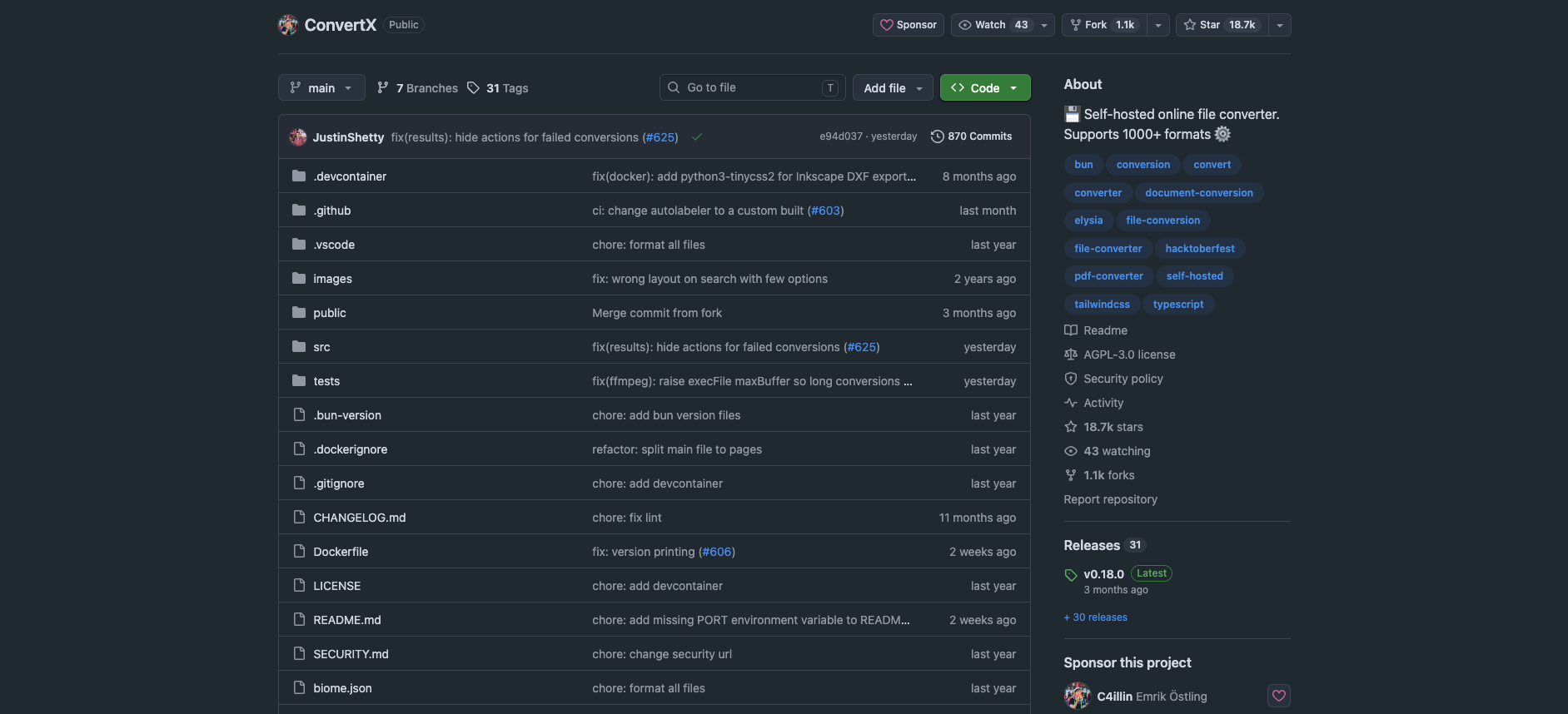
Source: github.com/C4illin/ConvertX, accessed September 5, 2026
Privacy: what actually happens to your file
Every online conversion sends your file to a third party. What matters is what that third party does with it, and the reputable services are more documented than their reputation suggests. iLovePDF's privacy policy states that files are deleted within two hours of processing. CloudConvert goes further on paper: its operating company holds an ISO 27001 certification, and each conversion runs in a separate isolated container that even CloudConvert staff can't access, according to its security page.
So the honest privacy statement is not "online converters steal your files." It's this: the risk concentrates in the sites that don't publish a policy — the random converter that ranks on page one with three popups and no company name. For a recipe scan or a meme, that's fine. For contracts, ID scans, medical documents, or unreleased work, uploading to an unknown operator is an avoidable risk.
Self-hosting removes the third party entirely. With ConvertX, files live in a folder on your own disk and the default configuration auto-deletes them after 24 hours. But be clear about what you're adopting: you are now the admin. The project recommends setting a proper JWT_SECRET, warns that the first registered account can be claimed by anyone if you leave the instance open, and — if you want to reach it from outside your network — you're responsible for putting HTTPS in front of it instead of disabling its HTTP guard. A misconfigured self-hosted box is not automatically safer than a documented hosted service; it's just yours.
Format coverage: where the 1,000+ number earns itself
For common jobs the two options converge: every major online service handles PDF office-format conversions, the usual image set, and standard video containers. Where they diverge is the long tail. ConvertX's engine table reads like a format archaeology collection: Outlook .msg email files, VCF contacts, 3D assets through Assimp (77 input formats), vector tracing via Potrace and VTracer, JPEG XL through libjxl, LaTeX through XeLaTeX. If your week includes "turn this .heic into a PDF" plus "rescue this old .wmv", one self-hosted install covers both; online you'd hop between sites and hope each has the pair.
Specialization is the other axis. Stirling-PDF — a self-hosted PDF toolbox with over 90,000 GitHub stars — does far more inside the PDF world than any general converter, online or self-hosted. Format breadth and per-format depth are different purchases.
One caveat worth attributing: a MakeUseOf writer who switched to ConvertX notes that conversion quality varies between engines, and that being able to pick a different engine for the same conversion is the mitigation. That flexibility is real — it's a feature of having twenty engines — but "more engines" is not automatically "better output" for any specific file. (No conversion was run for this article, so treat engine choice as documented capability, not tested verdict.)
Convenience and the real cost of "free"
Online converters are unbeatable at the one-off on someone else's computer. Nothing to install, works on a phone, and the free tier of a typical service covers occasional use — with file-size caps and daily limits that push frequent users toward subscriptions. That subscription is the honest price of the hosted model, alongside the data trail.
Self-hosting inverts the trade. The software is free and the workflow is identical (open tab, drop file), but your costs move to setup and upkeep: a machine that's on when you need it, occasional container updates, and a little network configuration if you want access beyond your LAN. The MakeUseOf author's summary is a fair one — the container kept the convenience of the extra browser tab while removing the trust problem — and it's an attributed experience, not a benchmark.
The decision rule
- Convert a few files a month, common formats, often from a phone? Stay online. Pick services that name their company and publish a retention policy, and keep genuinely sensitive documents out of unknown sites.
- Convert weekly or more, handle sensitive or unusual files, own a NAS or always-on box? Self-host. One container gives you the 1,000+ format coverage and files that never leave your hardware.
- The recipient can already open the file as-is? Skip conversion entirely. This case is more common than it looks.
Before you convert: is conversion even the job?
A lot of converter searches are really delivery problems. You don't need a MP4; you need your client to see the video. You don't need a PDF version; you need the reviewer to get the document without an email-attachment fight. Converting changes the file; sharing delivers it. If the original format already works for the recipient, conversion adds a step and a quality risk for no gain.
That's the sharing path: put the original file somewhere and hand over a link. AnyToURL, this site's own tool, does exactly that — drag in a file, get a shareable URL.
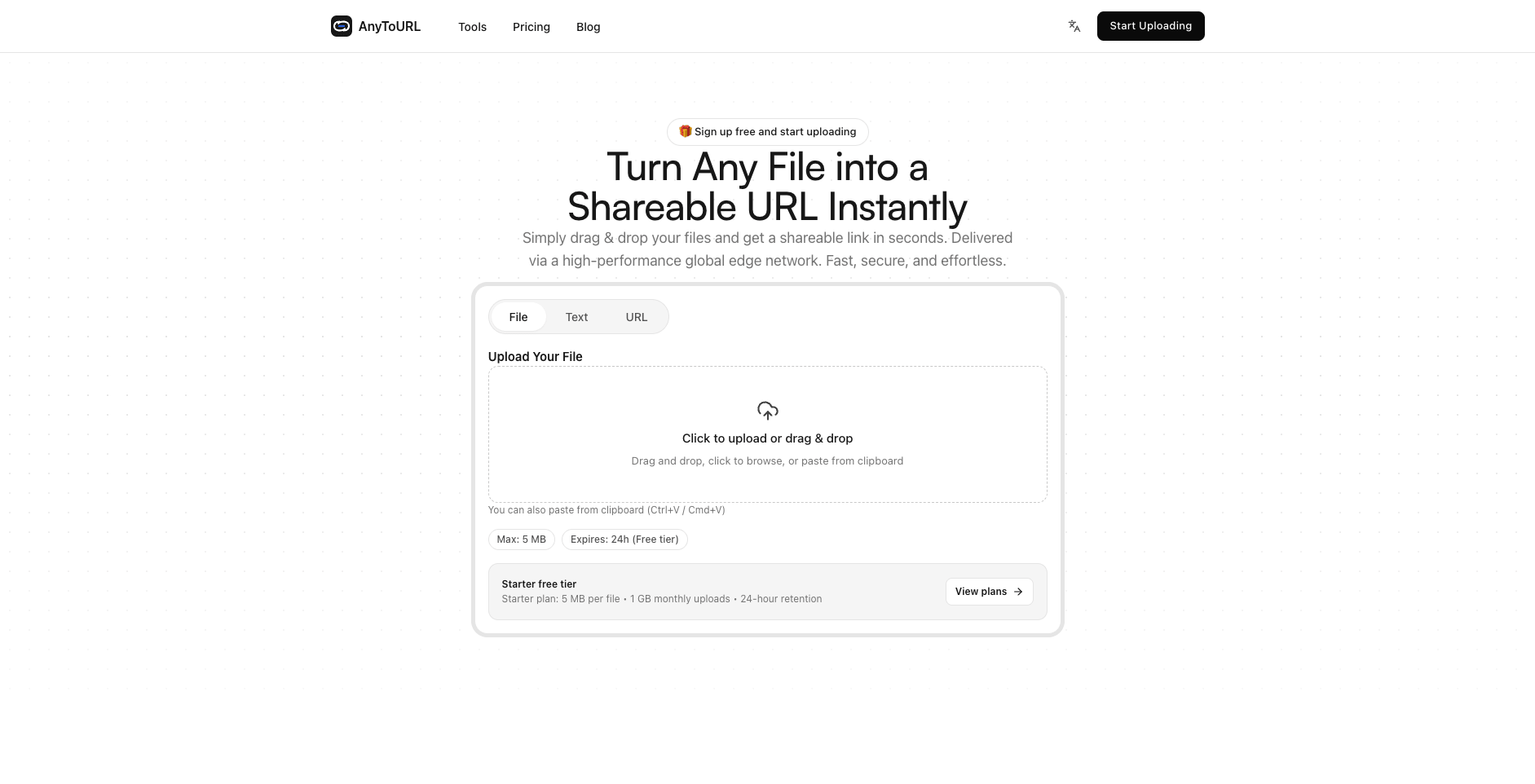
AnyToURL free tier: files up to 5 MB, 24-hour retention, no signup The free tier takes files up to 5 MB with 24-hour retention, no signup, and images, PDFs, and documents preview in the browser so recipients don't even need to download. If it turns out you need a different format and a link, convert first, then share — but check the simple case first. Try it free →
FAQ
Do online converters keep my files? Reputable ones publish their retention: iLovePDF states two hours after processing, and others document similar windows. Sites without a readable policy are the problem — assume indefinite.
Is a self-hosted converter actually safer? For file privacy, yes by construction: the file never leaves your hardware. But you inherit the admin's risks — an open registration page, a weak or missing JWT secret, or an instance exposed to the internet without HTTPS can undo that advantage. Safety comes from the configuration, not from self-hosting alone.
Can I run ConvertX without Docker experience?
The command is a single docker run line from the project's README, which is about the floor for Docker anyway. If "install Docker Desktop, paste one command" sounds like a bad afternoon, the hosted route fits you better.
What about very large files? Online free tiers commonly cap file size; that's the constraint that pushes people to pay or self-host. A self-hosted converter is limited by your own disk and CPU instead — the reason video-heavy users end up there.
Bottom line
Match the tool to frequency and sensitivity: online for occasional common conversions, a self-hosted Docker converter for volume, privacy, or format oddities — and check first whether the file needs converting at all, because delivering the original as a link is often the shorter path.