
How to Shorten URLs for Social Media Sharing
Learn how to shorten URLs for social media sharing. Step-by-step guide to creating short links that boost clicks and look clean on any platform.
 AnyToURL Team
You just crafted the perfect tweet. The copy is sharp, the timing is right — but then you paste your link and it eats up half the character limit. Worse, it looks like a wall of random characters that nobody wants to click. Sound familiar?
This guide walks you through how to shorten URLs for social media, why short links outperform long ones, and the specific steps to start generating clean, trackable short links today.
Table of Contents
- Why Long URLs Hurt Your Social Media Posts
- How to Shorten a URL: Step-by-Step
- Choosing the Right URL Shortener
- Pro Tips for Short Links on Social Media
- FAQ
Why Long URLs Hurt Your Social Media Posts
Long URLs create several problems on social platforms:
- Character limits: Twitter/X gives you 280 characters. A URL with UTM parameters can easily burn through 150 of them.
- Low trust signals: Links filled with query strings and tracking codes look suspicious. Users hesitate to click something that resembles
example.com/page?utm_source=twitter&utm_medium=social&utm_campaign=spring_sale_2026&ref=abc123. - Broken formatting: Some platforms wrap or truncate long URLs, leading to dead links in comments and bios.
- No tracking: Raw URLs give you zero insight into who clicked, when, or from which platform.
Short links solve all four problems at once. A clean short.link/abc is easy to read, fits anywhere, and can carry built-in analytics.
How to Shorten a URL: Step-by-Step
The process is straightforward regardless of which short link generator you use:
Step 1: Copy Your Target URL
Grab the full URL you want to share. This could be a blog post, product page, landing page, or any web address. Make sure the link works before shortening it — test it in your browser first.
Step 2: Open a URL Shortener
Head to your preferred URL shortener tool. Most services work the same way: you'll see a text field where you paste your long URL. For a fast, no-signup option, AnyToURL lets you paste any URL and get a short link in seconds.
Step 3: Paste and Generate
Paste your long URL into the input field and hit the shorten button. The tool generates a unique short link instantly. Most services show you the result on the same page.
Step 4: Customize (Optional)
Some URL shorteners let you edit the slug — the part after the domain. Instead of short.link/x7k9m, you could have short.link/spring-sale. Custom slugs are easier to remember and look more professional in printed materials or spoken mentions.
Step 5: Copy and Share
Copy the short link and drop it into your social media post, bio, story, or ad. The redirect happens instantly — your audience lands on the original page without noticing the detour.

Choosing the Right URL Shortener
Not every short link generator fits every use case. Here's what to compare:
| Feature | Free Tools | Paid Tools |
|---|---|---|
| Custom domains | Rarely | Usually |
| Click analytics | Basic counts | Detailed (geo, device, referrer) |
| Bulk shortening | Limited | Unlimited |
| Link expiration | Sometimes | Yes |
| API access | Rate-limited | Full |
For casual sharing — posting a few links per week on personal accounts — a free URL shortener does the job.
For teams and campaigns — where you need branded domains, UTM builders, and reporting dashboards — a paid plan pays for itself in time saved.
Key things to check before committing:
- Uptime and redirect speed: A shortener that's slow or down defeats the purpose.
- Link lifespan: Some free services delete links after 30 days.
- Privacy: Check if the service logs visitor data and whether that aligns with your privacy requirements.
Pro Tips for Short Links on Social Media
-
Use UTM parameters before shortening. Add
utm_source,utm_medium, andutm_campaignto your original URL before you shorten it. The short link hides the mess while Google Analytics still captures every parameter. -
Match the slug to your content. A slug like
/webinar-marchtells the reader what to expect. Random strings don't. -
Shorten links for bio sections. Instagram and TikTok give you one clickable link. Make it count — a clean short link looks better and lets you swap the destination later without editing your profile.
-
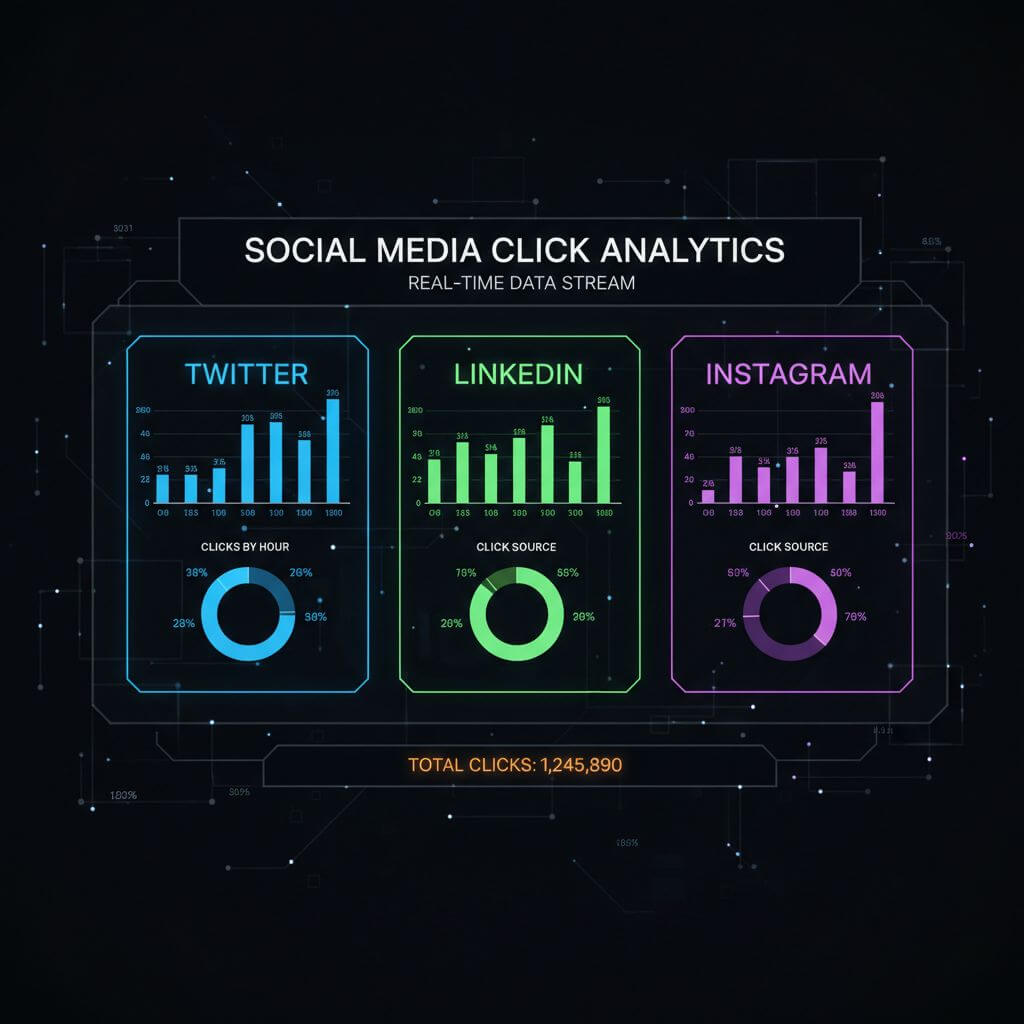
Track performance by platform. Create separate short links for the same destination — one for Twitter, one for LinkedIn, one for your newsletter. This way you can compare click-through rates across channels without relying solely on UTM data.
-
Test before posting. Click your shortened link from a private browser window. Confirm it redirects to the right page, loads fast, and doesn't trigger any security warnings.
FAQ
Is it safe to click shortened URLs?
Yes, as long as they come from a reputable URL shortener. Trustworthy services scan links for malware and phishing. If you receive a short link from an unknown source, you can use a link preview service to check the destination before clicking.
Do shortened URLs expire?
It depends on the service. Some free URL shorteners delete links after a set period (30-90 days). Paid plans typically keep links active indefinitely. Always check the service's retention policy if you plan to use the link long-term.
Does shortening a URL affect SEO?
No. Most URL shorteners use 301 redirects, which pass full link equity to the destination page. Search engines treat the redirect as a permanent pointer, so your rankings won't be impacted.
Can I edit the destination of a short link after creating it?
Many URL shorteners support link editing. This is useful when you want to redirect an existing short link to a new page — for example, swapping a seasonal landing page — without creating a new link.
Wrapping Up
Shortening URLs for social media takes under 10 seconds and makes your posts cleaner, more trustworthy, and trackable. Pick a URL shortener that matches your needs, shorten your links before posting, and use separate links per platform to measure what's actually driving traffic. That's all it takes to level up your social media link game.