Step 1: Upload Your Video
Drag and drop your video into the uploader, or click to browse. We accept MP4, MOV, AVI, MKV, WebM, and more. Free uploads support files up to 5MB.
Free online tool
Free video to URL converter - upload MP4, MOV, AVI, MKV, or WebM and get a shareable streaming URL in seconds.

Upload any video file and receive a direct, shareable URL in seconds. No processing queue — your link is ready immediately after upload.
Upload MP4, MOV, AVI, MKV, WebM and more. Files are kept as uploaded, preserving the original resolution and bitrate.
Every video link is streamed through a global CDN, so it plays smoothly wherever your viewers are.
Create a free account and start uploading immediately. Get direct video URLs in seconds — no credit card required.
Free links last 24 hours. Upgrade to get permanent video URLs that never expire — ideal for portfolios, courses, and long-term hosting.
Drag and drop your video into the uploader, or click to browse. We accept MP4, MOV, AVI, MKV, WebM, and more. Free uploads support files up to 5MB.
Your video is streamed from the global CDN with a unique shareable URL that plays in any browser.
Copy the link and paste it into chat, email, or your site. Playback starts instantly for anyone who opens it.
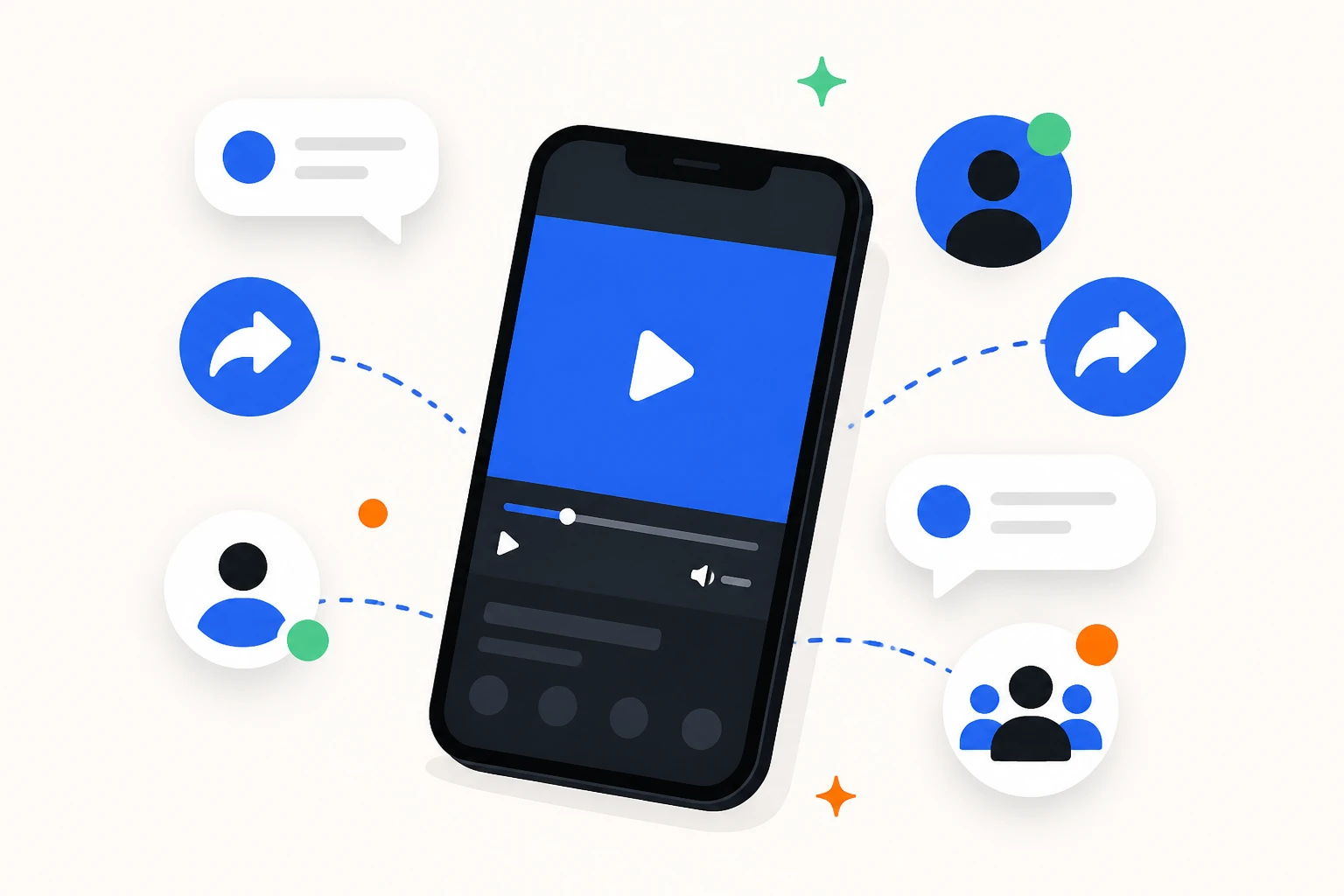
Share videos in Discord, X, Reddit, and forums with one link that plays in any browser.
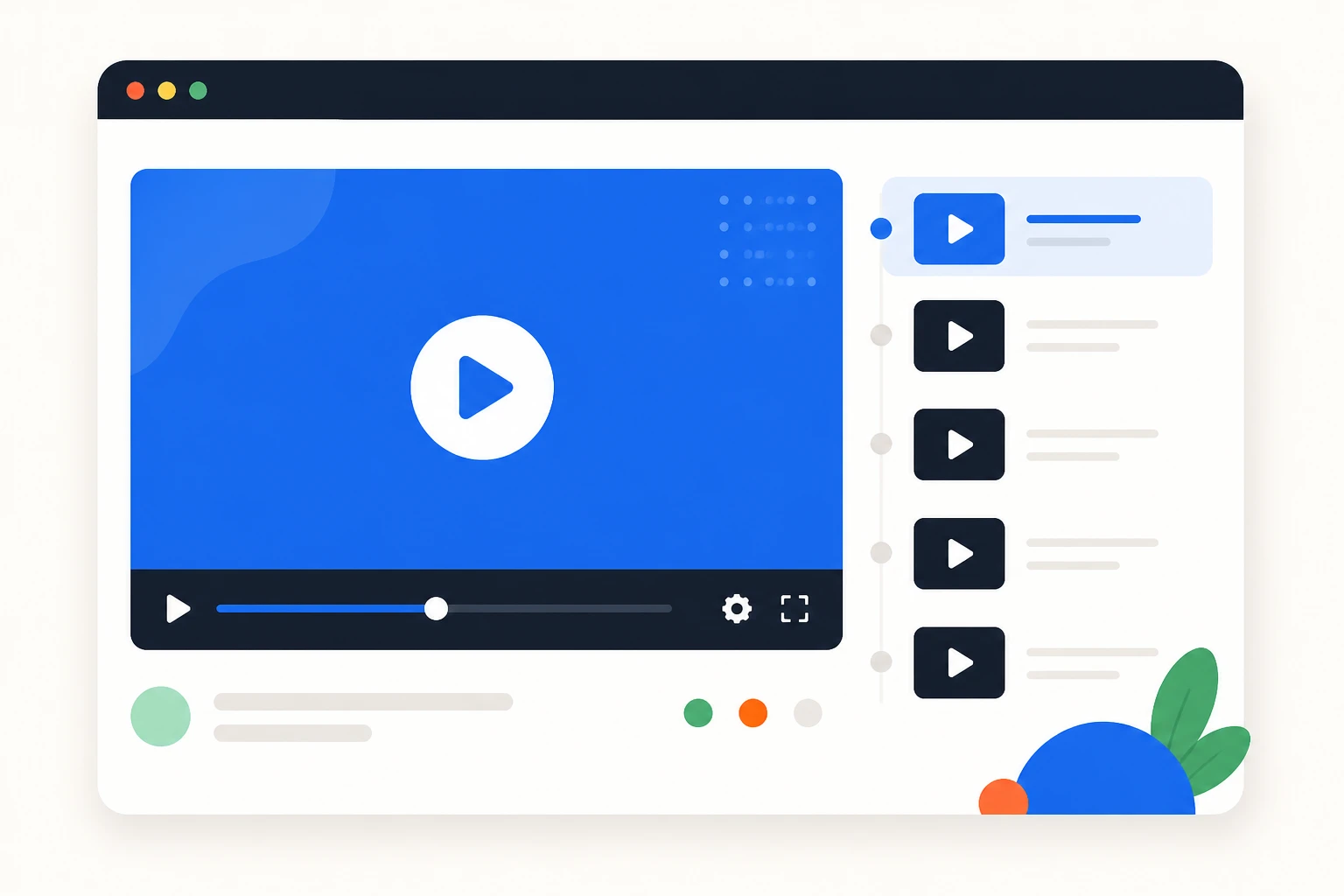
Host training videos and course content behind a link your students can open on any device.
Share screen recordings, presentations, and feedback videos with your team. Paste the URL into Slack, Notion, Jira, or email — the video streams instantly.
A video to URL converter uploads your video file to a hosting service and returns a unique streaming link. Anyone who opens the link watches the video in their browser without downloading it, on any device.
Video files are large and hard to share. Links solve this: send a screen recording to a colleague, share a training video with students, or deliver a demo to a client. The recipient clicks and watches — no downloads, no file transfers, no compatibility problems.
AnyToURL streams videos through a global CDN, so playback starts quickly wherever the viewer is. Files are stored as uploaded, preserving the original resolution and bitrate. Free links stay active for 24 hours, and paid plans add permanent links for courses, portfolios, and long-term hosting.
Unlike public platforms such as YouTube, a converter keeps your video private by default: you share a link, not a channel, and nothing is listed or searchable by other users. This makes it a clean fit for internal training, client deliverables, and support attachments.
Uploading takes seconds and supports common formats including MP4, MOV, AVI, MKV, and WebM. Free accounts support files up to 5 MB. Try it with a screen recording or a product demo and see how fast a link replaces a folder of files.
Privacy matters when sharing video. With AnyToURL, there is no public channel, no comment section, and no viewer count for other people to browse. Your file is available only through the link you share, and free links expire after 24 hours for sensitive material.
Whether you are a teacher posting lesson recordings, a marketer sharing a product demo, or a developer attaching a repro video to an issue, a video to URL converter removes the friction of file sharing. One link plays everywhere, and recipients never have to sign in or download a player.
A video to URL converter uploads your file and returns a unique streaming link. Anyone who opens the link watches the video in their browser on any device, without downloading it.
Yes. Create a free account and upload videos without a credit card. Free links stay active for 24 hours and support files up to 5 MB. Paid plans add permanent links.
We support all common video formats: MP4, MOV, AVI, MKV, WebM, WMV, FLV, and 3GP. Files are stored in their original format without transcoding, so you keep the exact resolution, bitrate, and codec of your source file. For best browser playback, we recommend MP4 with H.264 video and AAC audio — this plays natively in all modern browsers. Other formats like MKV or WMV will host correctly but may require downloading rather than in-browser streaming, depending on the viewer's browser support.
Free users can upload videos up to 5MB — sufficient for short clips, compressed recordings, and low-resolution videos. The Ultra plan increases the limit to 10GB per file, covering full-length videos, high-resolution recordings, and raw footage. If your video exceeds the free limit, consider compressing it with HandBrake (free, open-source) or FFmpeg. A 1-minute 1080p video with H.264 at 4 Mbps is approximately 30MB, so adjusting the bitrate can significantly reduce file size.
Free links are active for 24 hours from upload. Paid plans provide permanent links for courses, portfolios, and long-term hosting.
AnyToURL does not build a public channel. You share a link, not a profile, and your uploads are not listed or searchable by other users — a clean fit for internal videos and client deliverables.
Yes. Paste the link into a page, a course platform, or an internal tool and the video streams directly in the browser.
No. Anyone with the link can watch in their browser without signing up or installing anything.
AnyToURL supports MP4, MOV, AVI, MKV, WebM, and other common formats on the free plan, up to 5 MB per file.
Yes. Upload a training recording once and share the link with the whole team; everyone watches the same version in their browser.
Yes. Paste the link into your course, learning platform, or internal wiki and students stream the video in their browser on any device.
Yes. Paste the link into any post or message and viewers stream the video directly in their browser.
Free MP4 to URL converter - upload MP4 videos and get a shareable streaming URL in seconds. Share with anyone, anywhere.
Open tool
Free MOV to URL converter - upload iPhone, QuickTime, or Final Cut Pro MOV files and get a shareable streaming URL.
Open tool
Free GIF to URL converter - upload animated GIFs and get a shareable URL in seconds. Share memes and animations with one link.
Open tool