Step 1: Upload Your File
Drag and drop your MP4 or video file into the uploader. We accept MP4, MOV, AVI, MKV, WebM, and more. Free uploads support files up to 5MB; Ultra plans handle up to 10GB.
Free online tool
Free MP4 to URL converter - upload MP4 videos and get a shareable streaming URL in seconds. Share with anyone, anywhere.

Upload any video file and receive a direct, shareable URL in under 2 seconds. No processing queue, no waiting — your link is ready immediately.
Video links are streamed through a global CDN, so playback starts quickly for viewers anywhere.
Upload MP4, MOV, AVI, MKV, WebM and more. Files are kept as uploaded, preserving the original resolution and bitrate.
Every video link is served over HTTPS for a secure playback experience.
No pre-roll ads, no banners, no interruptions. Your viewers see only your video — perfect for professional presentations and client reviews.
Free links last 24 hours. Upgrade to get permanent video URLs that never expire — ideal for portfolios, course content, and long-term hosting.
Drag and drop your MP4 or video file into the uploader. We accept MP4, MOV, AVI, MKV, WebM, and more. Free uploads support files up to 5MB; Ultra plans handle up to 10GB.
A direct, shareable URL is generated instantly. The link points to your original file on our CDN — no re-encoding, no quality loss.
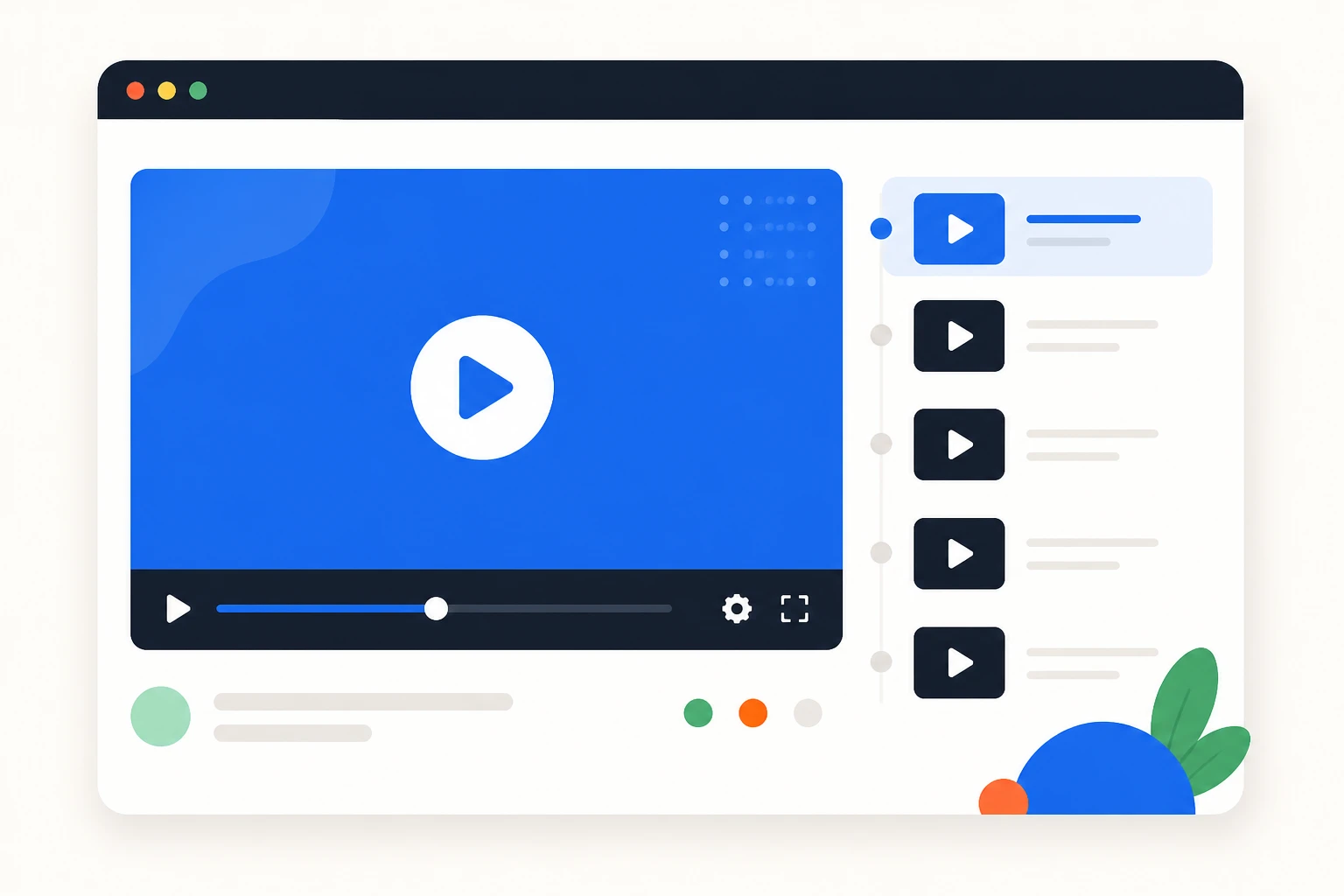
Copy the link with one click and paste it into chat, email, or project tools. Video streams instantly in any browser.

Share promo clips and product demos with one clean link that plays in any browser.

Host lesson videos for your course and share links with students — playback works on every device.

Record your screen, upload the video, and paste the link into Jira, GitHub issues, or Slack. Reviewers watch it in the browser without downloading anything.
An MP4 to URL converter uploads your MP4 file to a hosting service and returns a unique streaming link. Anyone who opens the link watches the video in their browser on any device, without downloading or installing anything.
MP4 is the most compatible video format, but files are large and attachments fail. A link changes that: share promo clips with a marketing team, send lesson videos to students, or deliver screen recordings to a bug report. The recipient clicks and watches.
AnyToURL streams MP4 files through a global CDN, so playback starts quickly wherever the viewer is. Videos are stored as uploaded, preserving the original resolution and bitrate. Free links stay active for 24 hours, and paid plans add permanent links.
Unlike YouTube, there is no public channel: you share a link, not a profile, and your videos are not listed or searchable by other users. That makes a converter a clean choice for client reviews, internal training, and support attachments.
Upload takes seconds and supports MP4 plus other common formats. Free accounts support files up to 5 MB. Try it with a promo clip or a screen recording and share the link anywhere.
A single MP4 link also helps keep teams aligned: a client reviews a cut without downloading large files, an instructor shares one lesson link with a whole class, and a support agent attaches a fix video to a ticket. The link is the deliverable.
It uploads your MP4 to a hosting service and returns a unique streaming link. Anyone who opens the link watches the video in their browser on any device.
Yes. Create a free account and upload MP4s without a credit card. Free links stay active for 24 hours and support files up to 5 MB. Paid plans add permanent links.
Open the uploader, choose your MP4, and a shareable streaming link is generated instantly. Copy it and paste it into chat, email, or a project tool.
We support all common video formats: MP4, MOV, AVI, MKV, WebM, WMV, FLV, and 3GP. Files are stored in their original format without transcoding, so you keep the exact resolution, bitrate, and codec of your source file. For best browser compatibility, we recommend MP4 with H.264 video codec and AAC audio — this combination plays natively in Chrome, Firefox, Safari, and Edge without requiring any plugins. If you upload a format like MKV or WMV that doesn't play natively in browsers, the URL still works as a direct download link. There's no file type restriction beyond the size limit.
Free video URLs are active for 24 hours from the time of upload. This is designed for quick sharing scenarios — sending a video to a colleague, getting feedback on a draft, or sharing a clip on social media. After 24 hours, the file is automatically deleted and the URL stops working. If you need permanent links that never expire, upgrade to the Ultra plan. Permanent URLs are ideal for video portfolios, online courses, documentation, and any content you want to keep accessible long-term. You can also manage and delete your permanent links from your dashboard at any time.
AnyToURL has no public channel or upload queue. Your video is available only to people with the link, and playback starts instantly.
Free accounts can upload files up to 5 MB. Paid plans raise the limit for longer videos and higher-quality exports.
Yes. Send the link over email, chat, or a project tool and the client watches in their browser without downloading large files.
No. Files are stored as uploaded and streamed directly, so the original resolution and bitrate are preserved.
No. AnyToURL focuses on simple sharing without viewer tracking. If analytics matter, consider a platform that offers them.
Upgrade to a paid plan to convert any free link to a permanent one, or upload directly on a paid account for permanent retention.
Email limits and file size caps make video attachments unreliable. A link plays in the browser instantly and works on every device.

Free video to URL converter - upload MP4, MOV, AVI, MKV, or WebM and get a shareable streaming URL in seconds.
Open tool
Free MOV to URL converter - upload iPhone, QuickTime, or Final Cut Pro MOV files and get a shareable streaming URL.
Open tool
Free GIF to URL converter - upload animated GIFs and get a shareable URL in seconds. Share memes and animations with one link.
Open tool