Step 1: Upload Your File
Drag and drop your MP3 or audio file into the uploader. We accept MP3, WAV, OGG, M4A, FLAC, and more. Free uploads support files up to 5MB; Ultra plans handle up to 10GB.
Free online tool
Free MP3 to URL converter - upload MP3, WAV, FLAC, or M4A audio and get a shareable streaming URL in seconds.
Upload any audio file and get a shareable URL within seconds. No queue — upload and you are done.
Audio links are streamed through a global CDN, so playback starts quickly for listeners anywhere.
Upload MP3, WAV, OGG, M4A, FLAC, AAC and more. Files are kept as uploaded, preserving the original quality and bitrate.
Every audio link is served over HTTPS, so your tracks reach listeners over an encrypted connection.
No pre-roll ads, no banners, no interruptions. Your listeners hear only your audio — perfect for professional demos and client presentations.
Free links last 24 hours. Upgrade to get permanent audio URLs that never expire — ideal for music portfolios, podcast archives, and long-term hosting.
Drag and drop your MP3 or audio file into the uploader. We accept MP3, WAV, OGG, M4A, FLAC, and more. Free uploads support files up to 5MB; Ultra plans handle up to 10GB.
A direct, shareable URL is generated instantly. The link points to your original file on our CDN — no re-encoding, no quality loss.
Copy the link with one click and share it over chat, email, or anywhere. Audio plays instantly in any browser.
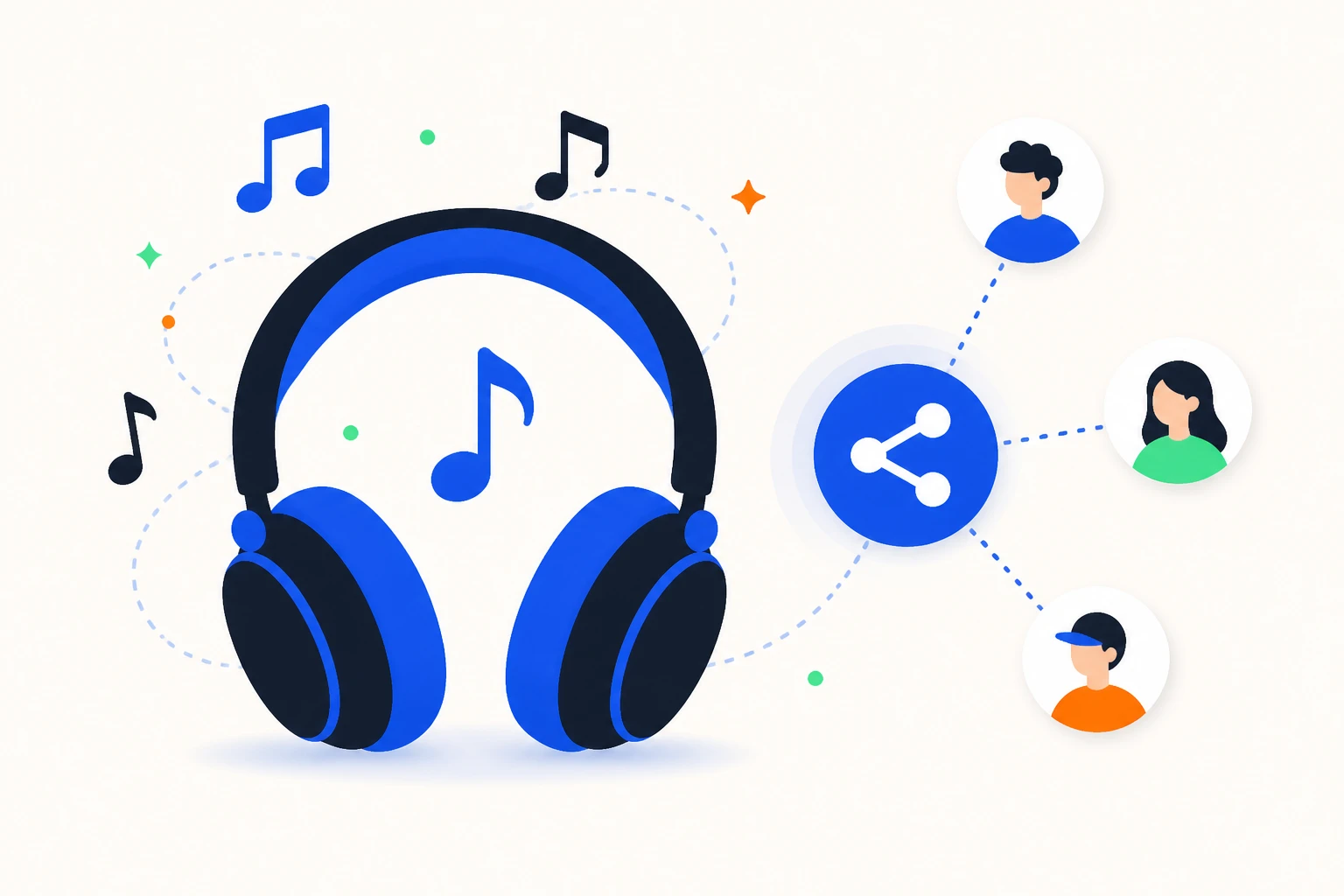
Share your tracks, beats, and mixes with clients and collaborators. Send a link instead of a large file attachment.
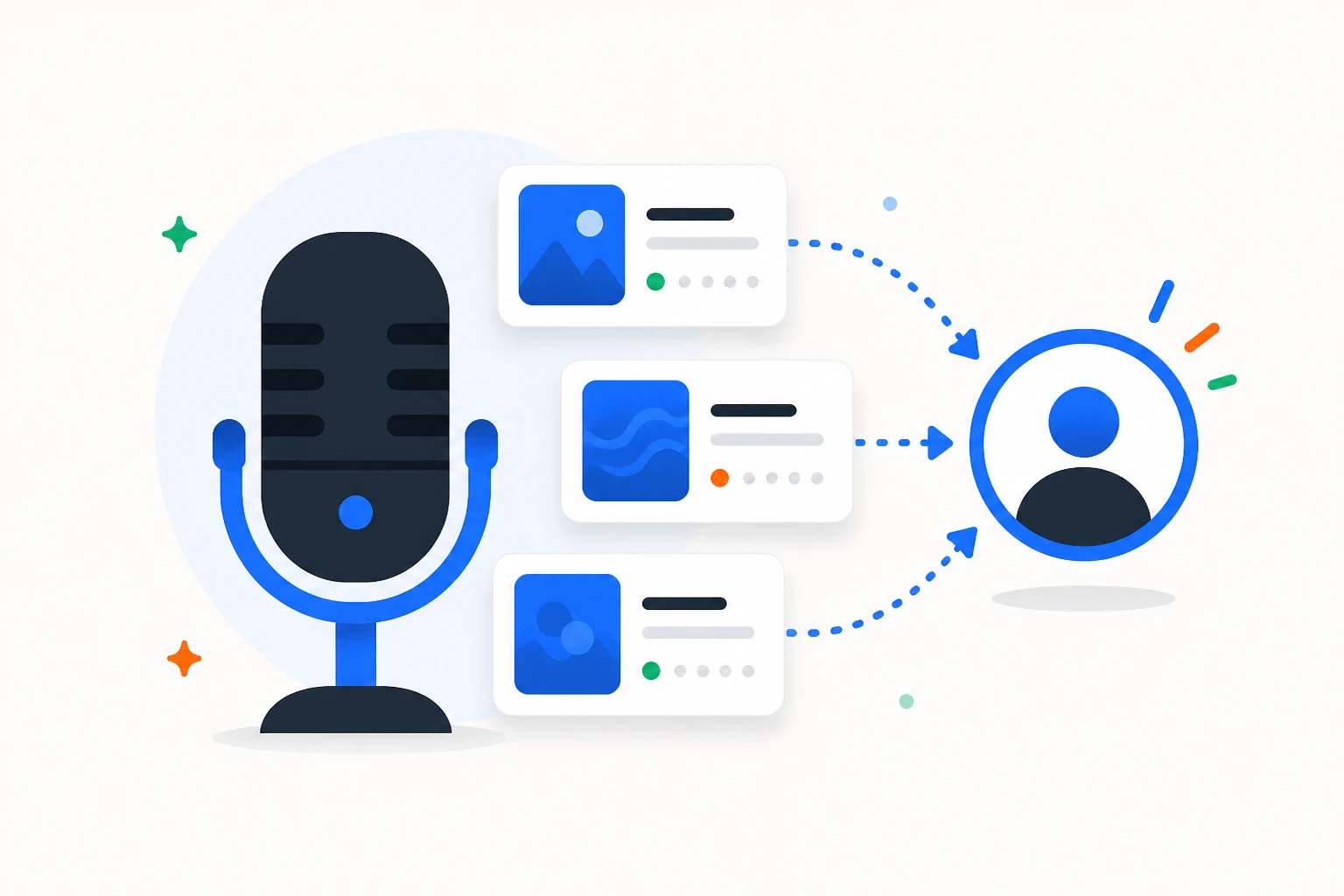
Host episode audio and distribute one clean link to listeners across platforms.
Send meeting recordings, voice memos, or audition samples by link — no large files to transfer.
An MP3 to URL converter uploads your audio file to a hosting service and returns a unique streaming link. Anyone who opens the link listens in their browser on any device, without downloading the file.
Audio is hard to share as an attachment: files are large, and email limits get in the way. A link changes that — send a track to a client, share a podcast episode with listeners, or deliver a voice memo to a colleague. The recipient clicks and plays.
AnyToURL streams audio through a global CDN, so playback starts quickly anywhere. Files are stored as uploaded, preserving the original quality and bitrate. Free links stay active for 24 hours, and paid plans add permanent links for portfolios and podcast hosting.
Unlike SoundCloud, there is no public feed or upload queue: you share a link, not a profile, and your files are not listed or searchable by other users. That keeps unreleased music, client work, and internal recordings private by default.
Upload takes seconds and supports MP3, WAV, OGG, M4A, FLAC, and AAC. Free accounts support files up to 5 MB. Try it with a track, a podcast episode, or a voice memo.
For musicians and podcasters, link-based sharing beats file transfer: a client listens to a mix without downloading a project file, an editor reviews a narration instantly, and a listener opens an episode on any device. Your audio stays private until you share the link.
Sharing audio as a link also keeps versions straight: the mix you upload is the mix the client hears, and updated files get a fresh link instead of a confusing attachment chain.
It uploads your audio file and returns a unique streaming link. Anyone who opens the link listens in their browser on any device, without downloading.
Yes. Create a free account and upload audio without a credit card. Free links stay active for 24 hours and support files up to 5 MB. Paid plans add permanent links.
Open the uploader, choose your MP3 or other audio file, and a shareable streaming link is generated instantly. Copy it and send it anywhere.
We support all common audio formats: MP3, WAV, OGG, M4A, FLAC, AAC, WMA, and AIFF. Files are stored in their original format without transcoding, so you keep the exact bitrate, sample rate, and metadata of your source file. For best browser compatibility, we recommend MP3 (MPEG Layer 3) — it plays natively in Chrome, Firefox, Safari, and Edge without any plugins. WAV and FLAC files also work but are larger in size. If you upload a format that doesn't play natively in some browsers, the URL still works as a direct download link.
Free audio URLs are active for 24 hours from the time of upload. This is designed for quick sharing — sending a demo to a collaborator, getting feedback on a mix, or sharing a recording in a chat. After 24 hours, the file is automatically deleted and the URL stops working. If you need permanent links that never expire, upgrade to the Ultra plan. Permanent URLs are ideal for music portfolios, podcast RSS feeds, audio libraries, and any content you want to keep accessible long-term. You can manage and delete your permanent links from your dashboard at any time.
AnyToURL has no public feed. You share a link instead of a profile, and your files are not listed or searchable by other users.
Yes. Upload episode audio and share one clean link with listeners. Paid permanent links suit long-term episode hosting across platforms.
Yes. Anyone with the link can listen in their browser — no account or app needed.
No. Files are stored as uploaded and streamed directly, preserving the original bitrate and quality.
No. Links can be played as many times as you like while they are active. Free links expire after 24 hours, paid links stay permanent.
Yes. Paste the link into any group chat and members listen in their browser without downloading the file, on any device.
Free video to URL converter - upload MP4, MOV, AVI, MKV, or WebM and get a shareable streaming URL in seconds.
Open tool
Free MP4 to URL converter - upload MP4 videos and get a shareable streaming URL in seconds. Share with anyone, anywhere.
Open tool
URL shortening is available on paid plans. Create shareable short links with a destination warning while safety checks are pending.
Open tool